Productivity
How to Find Your Weekly Non-Negotiables as a Coach
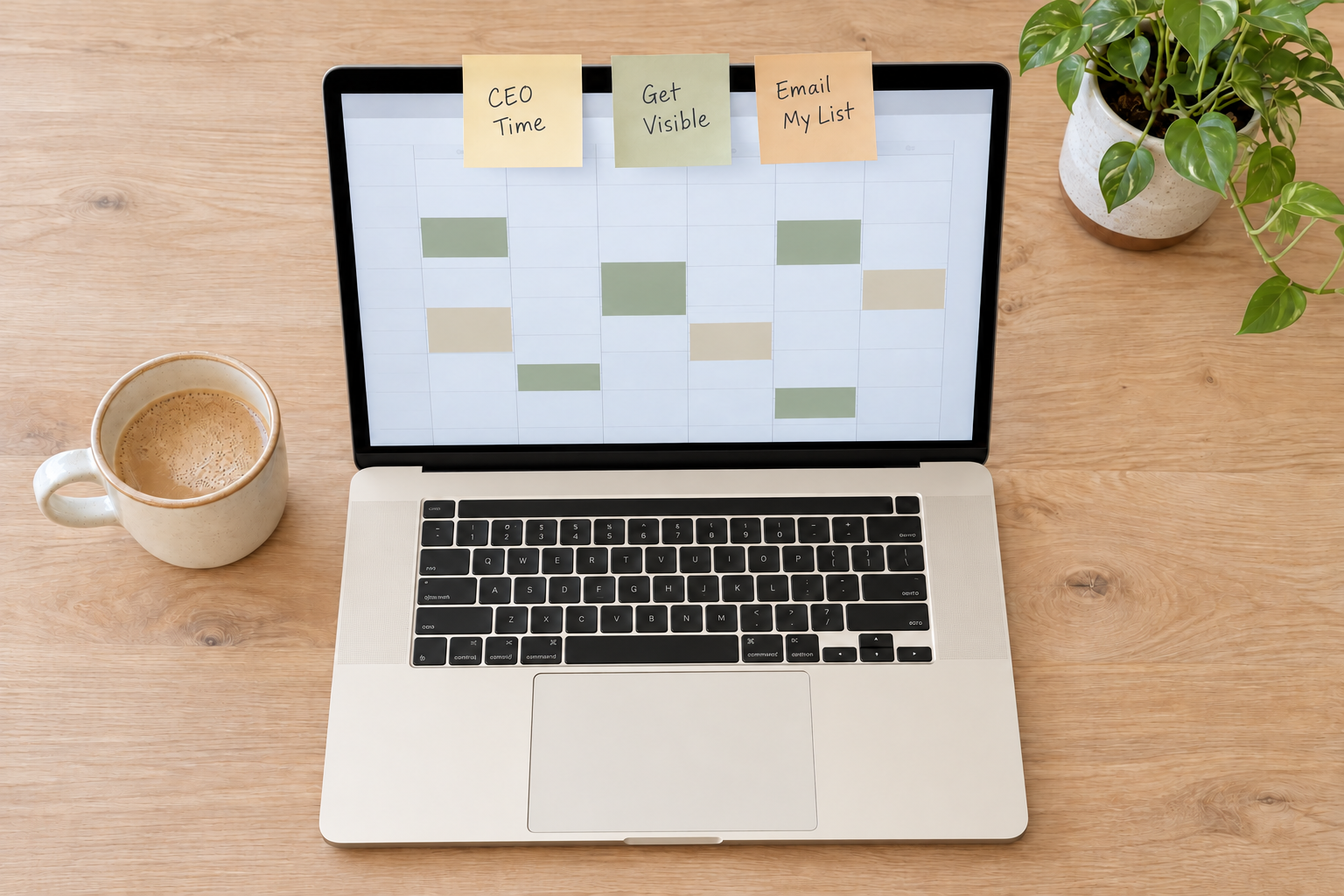
A short list of weekly non-negotiables tells you what to do first, even in a busy, uncertain season. Here is how to pick yours.
Read The PostSystems

Disclosure: This post includes an affiliate link to Wispr Flow. If you sign up through my link, you get 1 month free, and I get a free month too.
If you're like me, you've tried journaling more than once, with pen and paper or in a blank doc, and it never quite stuck.
A business journal is a place to capture what happens in your business and your day, so you can spot patterns, see your progress, and decide what to do next. You don't have to be a writer. You can type it, talk it out, or do both.
I built mine around what I know about myself.
It helps you see what happened this week, not just what you remember. A good one does three jobs.
But isn't that just a diary? A diary records your day. A business journal connects to the rest of your business, so what you capture helps you decide what to do next. Writing about your thoughts and feelings also has some research behind it. A 2006 review of 146 randomized studies in Psychological Bulletin found a small but real positive effect.
Each of the usual ways had one spot that stopped me. Here's what I noticed:
Each one was a clue about what I needed.
I already knew more than I realized. I just hadn't used it on my journal.
I process best by talking things out, to people or to an AI tool. A vocal brain dump gets it out of my head, and I can sort it later instead of trying to make complete sentences in the moment. That's where I get stuck. When I want to talk it out, I use Wispr Flow, an AI voice tool that turns my speech into clear, polished writing in any app.
Is talking really a good way to capture things? It's a fast one. Researchers at Stanford, the University of Washington, and Baidu found speech was 3 times faster than typing on a phone, with a 20.4% lower error rate in English (32 people, 2016).
I'm also very visual. When things feel messy or scattered, or I have to check a few places to pull one idea together, I get overwhelmed and want to give up. And by the end of the day, when the kids are in bed, I'm mentally done. I don't do my best work at night, and 5:00 am before they wake up isn't it either.
What if I don't get a quiet block of time? You don't need one. Capture a thought when it hits, pause when life calls, and come back to it.
Every choice I made was on purpose: to work with the bigger system, to be sustainable, to be enjoyable, and to be easy for me. I matched each thing I noticed with one choice.
When I built it, I started with a clear end goal and clear guidelines for what I wanted it to look like. Setup took a few minutes, and then I did one test run to make final tweaks.
Do I need the same tools? No. The tools matter less than the fit. Mine lives in Notion with Claude's help, and yours can live wherever your bigger system does. If you'd like to try talking it out, you can get 1 month of Wispr Flow free through my link. And because I skim and edit the card before it's saved, it still sounds like me.
Each one answers a different question. I knew what I wanted to see, and I knew it would help me spot patterns.
A recap of my day. I brain dump everything that happened, and Claude sorts it under Pour It Out, Priorities, and Surrender.
A recap before I decide I'm not committing to anything else this week. It covers Wins, What Went Well, What Needs Testing Or A Pivot, and Next Week's CEO Focus. Then I can take the rest of the week off if I want, and reset.
A look back at the patterns and everything I accomplished. I often feel like I'm behind or haven't done enough. But when I look back at a month, I see how much I actually did, and it genuinely surprised me. It reminds me to be kinder to myself and to pace myself. Not every week needs to be a "Get It Done" sprint.
That last one matters to me. I'm so stuck in the thick of the day to day, with everything still ahead of me, that I don't always see what I've already done. A small moment can turn into a gold nugget of insight, or something someone else sees themselves in.
Do I need all three? No. I knew I wanted daily, weekly, and monthly, but you can start with just the daily one and add the others when you're ready. If you want help choosing what to commit to each week, my post on weekly non-negotiables for coaches pairs well with the weekly recap.
Start with questions about you before you pick any template. Try these:
Question 2 is the one I'd start with. That's where my extra friction showed up, and removing it shaped almost every choice I made.
Not sure of your answers yet? The free Implementation Style Quiz is a good place to start. It shows how you naturally process information, how you like to get work done, and what tends to click for you. It takes just 3 to 5 minutes.
You don't have to journal the way anyone else does. Once you know how you think and work, you can build something that fits.
What if pen and paper works for you? Then keep it. The research is mixed, and fit matters most. A 2024 study of 36 students in Frontiers in Psychology found handwriting lit up more connected brain patterns than typing, though it didn't measure learning. A 2021 replication with 145 students found no significant difference in quiz scores between handwritten and typed notes.
The quiz is a good first step if you're not sure which way fits you.
What would make journaling feel like you?
Free. Takes 2 to 3 minutes, and your result comes to your inbox.
Productivity
A short list of weekly non-negotiables tells you what to do first, even in a busy, uncertain season. Here is how to pick yours.
Read The Post