1
Tell It Your Goals Once
Answer a few quick questions about who you serve and what you want from a collab. It remembers.
A Claude skill that reads the details for you. Get a calm, clear read on whether a collab fits your goals and your calendar.
If you're like me, a collab invite shows up and your first thought is, "Yes, this could be great." Then come the open tabs, the rules to read, and the dates to check. And the question underneath: do I really have room for this?
A gut feeling is quick, but it can't read the fine print or check your calendar. Reviewing from scratch eats up your time.
Your Compass keeps your goals and does the checking with you.
Works for any kind of collab: summits, bundles, podcast guesting, swaps, and more.
Answer a few quick questions about who you serve and what you want from a collab. It remembers.
Drop in a link, a PDF, or the details. It checks your goals, the audience, the dates, and the rules about what you can share afterward.
A simple card with a label and the reasons behind it. Then you choose your next step.
If your project manager and calendar are connected to Claude, it can add the collab as a new project and put the dates on your calendar. It always asks first.
Tap each one to see how the compass points.
Looks like a strong fit at first glance and aligns with your goals
Just a guide. You make the call.
Setup is 9 questions and takes about 5 to 10 minutes, shorter than a coffee break. It's quicker if your answers are ready, your tools are connected, and your branding is handy.
Tap the optional ones to tick them off.
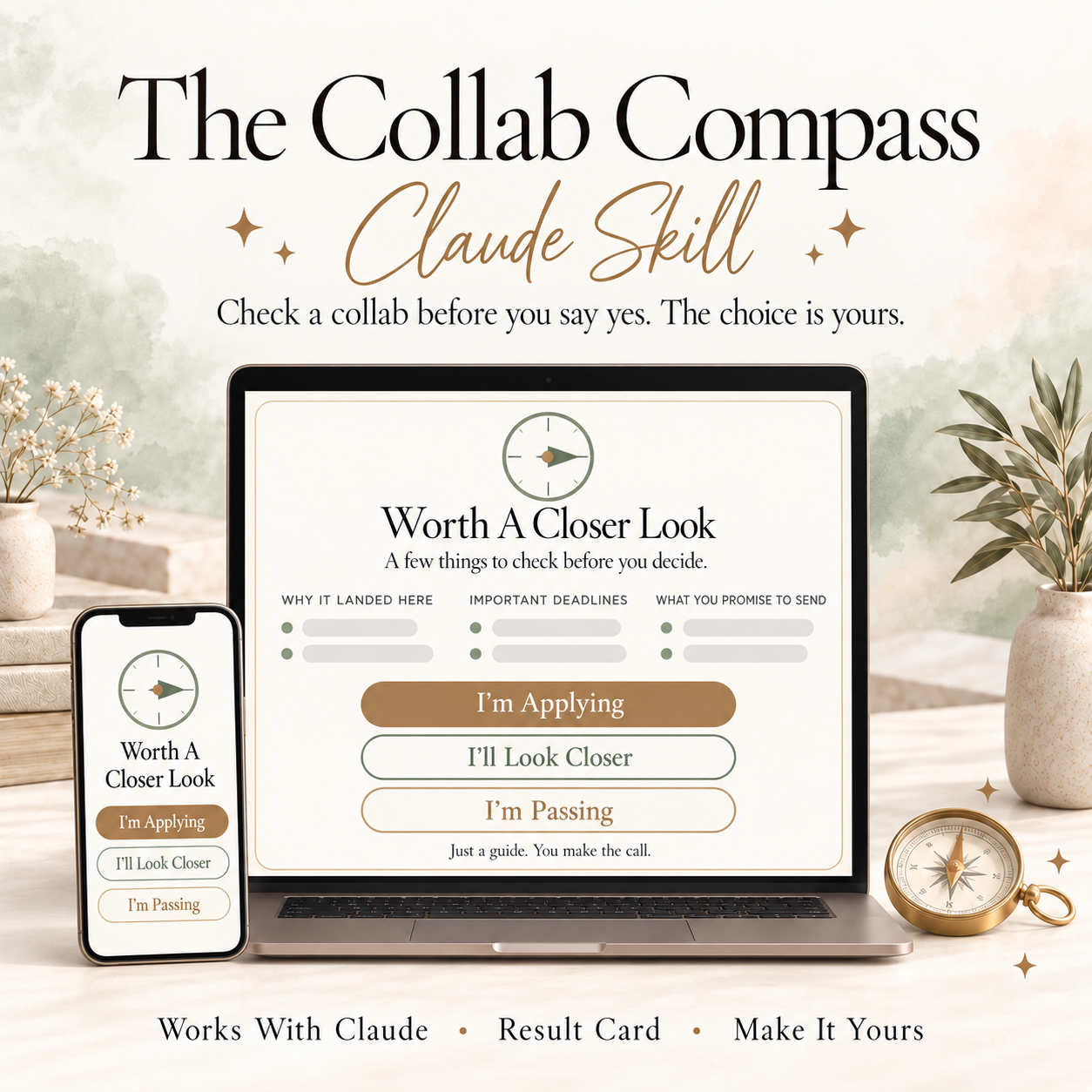
It's a set of instructions you add to your Claude account. Once it's added, Claude knows exactly how to check a collab for you.
$37, one time, with no subscription. Your Claude plan is billed separately by Claude.
A paid Claude plan, since that's what lets skills run. It also helps to know who you serve and what you want out of a collab. Connecting your calendar and task manager, and sharing your brand colors and fonts, is optional.
The host, who the audience is, the gift rules, whether you can sell something afterward, the deadlines, and what you'd be promising to do. If a detail isn't clear, it tells you what to confirm with the host. It can only work with what the host shares, so it's a guide, not a guarantee.
Any kind. Summits, bundles, podcast guesting, swaps, and more. If the host shares a page, a PDF, or the details, it can read them.
Google Calendar and Outlook work well. Apple Calendar doesn't connect to Claude yet. Most popular task managers do, like Notion, Asana, ClickUp, and Trello. Claude adds new connections often, so check Claude's connector list for the latest.
It asks 9 quick questions, one at a time. Plan on about 5 to 10 minutes, shorter than a coffee break. It's quicker if your answers are ready, your tools are connected, and your branding is handy.
Yes. Add your brand colors and fonts so your cards look like you. Fonts only show if Claude supports them. Want to change something later? Just say "Update my Compass setup."
Never. It shows you what it would add, and only adds it after you say yes.
Your answers live in your own Claude account. I don't get a copy of them or of the collabs you check.
No. It's a guide. You make the call.
Your setup guide walks you through each step. You can also reply to any of my emails, and I'll help.

I help solo coaches who are stuck turning their next offer from an idea into something real, so they feel calm, clear, and in control instead of starting from scratch every time.